
Url addition bypass- an addition that you can add to the end of a securley blocked link to bypass the blocker and enter the page.
/?horror
/?education
/?ion
/?catagory=Education
Currently working url additions :
/?scrybl=g
/?scrybl=.
"all you have to do is open a console (default chrome: ctrl+shift+j) and put this code in: var a=true;while(a){alert(a);} then hit enter. when the msg box appears, click the check box that says "prevent this page from showing additional diologs" (or something like that) your filter should be disabled until you restart." User=MrDood1313
Microsoft Windows: "I have found a way that there is no way to prevent: open task manager with search+escape and disable the securly task. It's kind of finicky though, as it only gives you like 2 second of freedom and sometimes reloads all of your tabs, but if you load a blocked page it won't kick in unless you click a link to a different place on the page. Also, if you want to un-enroll the chromebook from enterprise manegment, I would suggest buying an m-sata ssd and pulling the one that's in the chromebook out and putting the bought one in until you turn it in at the end of the year. the fresh one won't have enterprise managment on it." user=Astronaut701
Website made specifically for disabling securley: "https://disablesecurly.com" Note: this link might not work anymore, but the website still exists.
chrome.tabs.onUpdated.addListener(function (e, t, o) {
var n = new URL(o.url);
if ((void 0 !== t.status && n.pathname.startsWith("/blocked")) || allowRedirectionFromHosts(n.host))
"complete" != t.status
? ((n.pathname.startsWith("/blocked") && checkDomain(o.url, "securly.com")) || "iheobagjkfklnlikgihanlhcddjoihkg" === n.hostname) && (window.tabsBeingBlocked[e] = o.url)
: delete window.tabsBeingBlocked[e];
else if (void 0 !== t.status && "complete" == t.status && void 0 !== window.tabsBeingBlocked[e]) {
if (isRedirectedWebsite(n.searchParams.get("scrlcbp"), n.host)) return void delete window.tabsBeingBlocked[e];
chrome.tabs.update(e, { url: window.tabsBeingBlocked[e] }, function () {});
}
})
This chunk of code was how we found the s bypass. This code is from the 5,000ish line in securley's code. My friend (Frostbide) found this and shared it with me.
The s bypass was discover on November 6, 2025 at 8:45 wst by Frostbide.
Policy block is a way in which a school admin or a work domain can block a website or app. We speculate that policy block originates from a folder or several hidden folders on your PC, laptop, or other device. The only know way as far as I know of bypassing policy block is to factory reset your device, or delete all files on it. This way is poorly tested, but it is the most likley way of bypassing it. I suggest not using this method, as it is very easy to spot, and therefor really easy to get into trouble through. Policy block has proved that it is much harder to bypass than securley is. However, our group is still working hard to discover new and better ways to bypass this. You can expect new and working ways to bypass policy block.
Images of a policy block on a website:
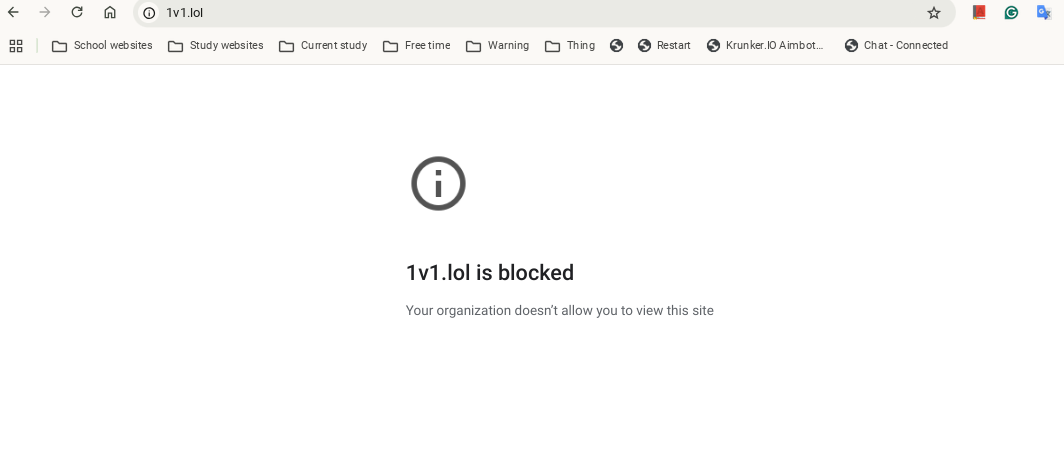
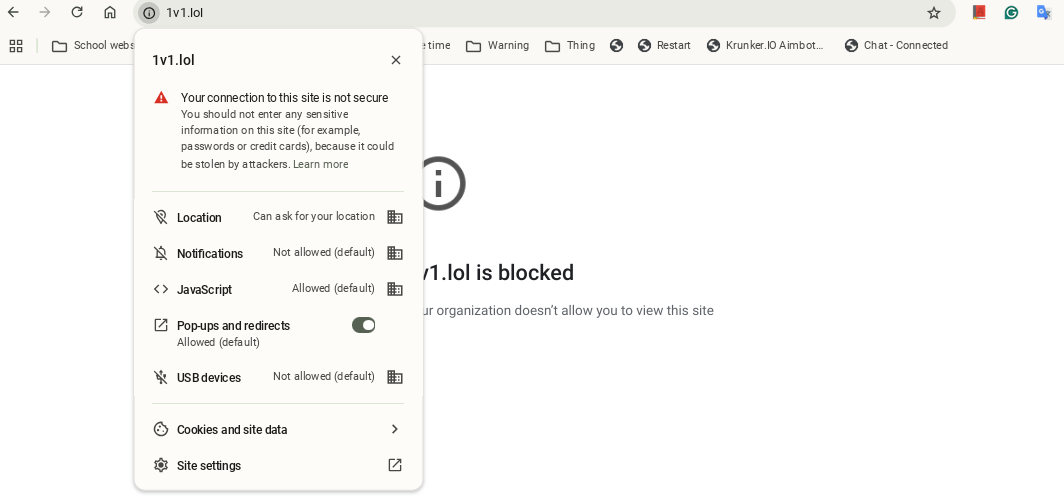
Policy block has been really hard to crack open as much as we've been able to with Securley. This is mainly because Securley has a lot of bugs in the code and it is more widespread than policy block. Policy block is also an undeletable folder, which means the only way to bypass it might be to hack it. Obviously, hacking is worse than misusing bugs and glitches. Getting caught hacking your computor could get you in much bigger trouble in school, and at work it wouldn't be outlandish to beleive you could get fired. This might mean that policy block is impossible to to bypass. But if there's one thing I know, it's that there is always a way around a firewall, or anyhthing like that. Therefor, I will keep doing my reaserch
| Cisco umbrella | GoGuardian | Securley | Policy block | Internet block |
|---|---|---|---|---|
| 9/10 | 1/10 | 4/10 | 10/10 | 1/10 |
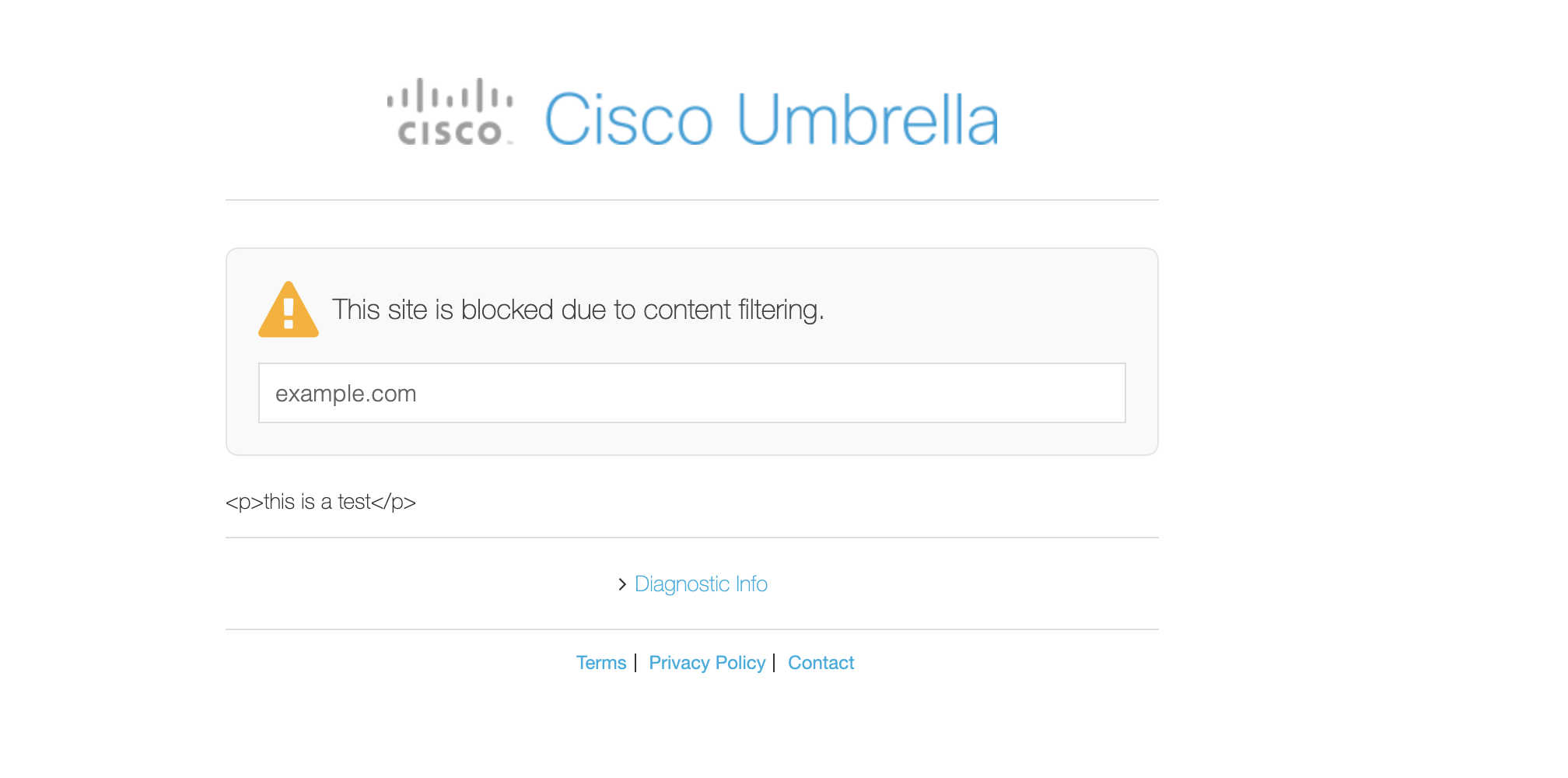
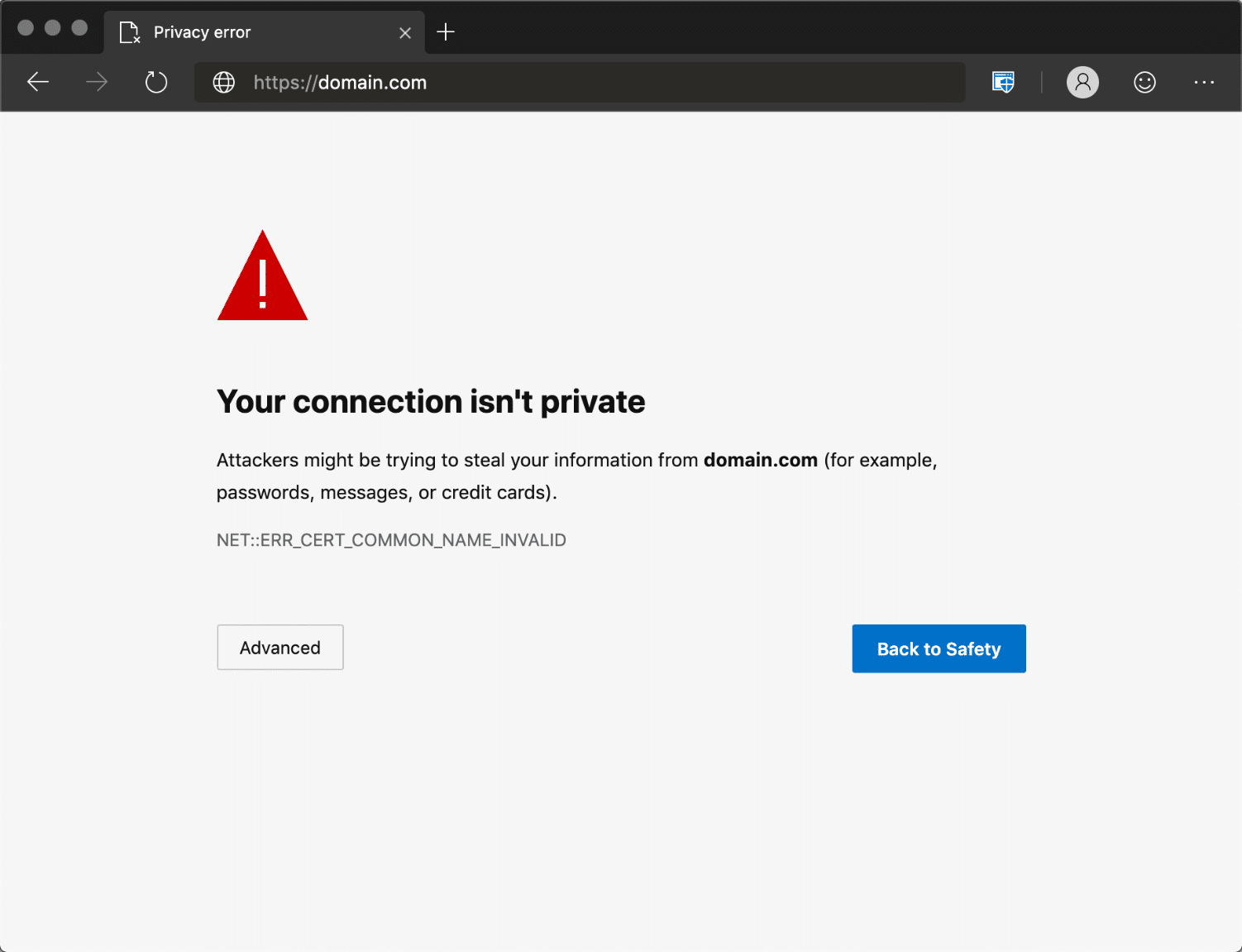
An image of a website blocked by Cisco umbrella:
An image of a website blocked by Policy block:
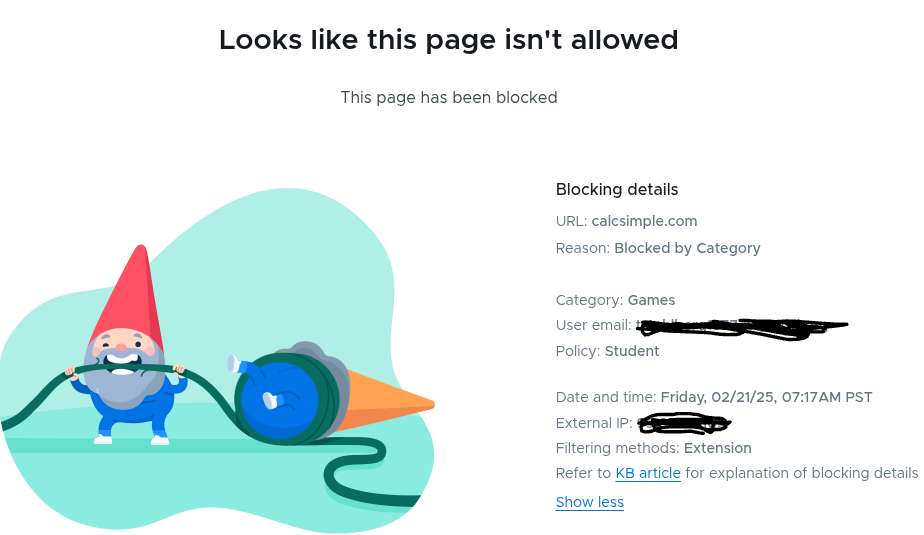
An image of a website blocked by Securley:
A website blocked by internet block:
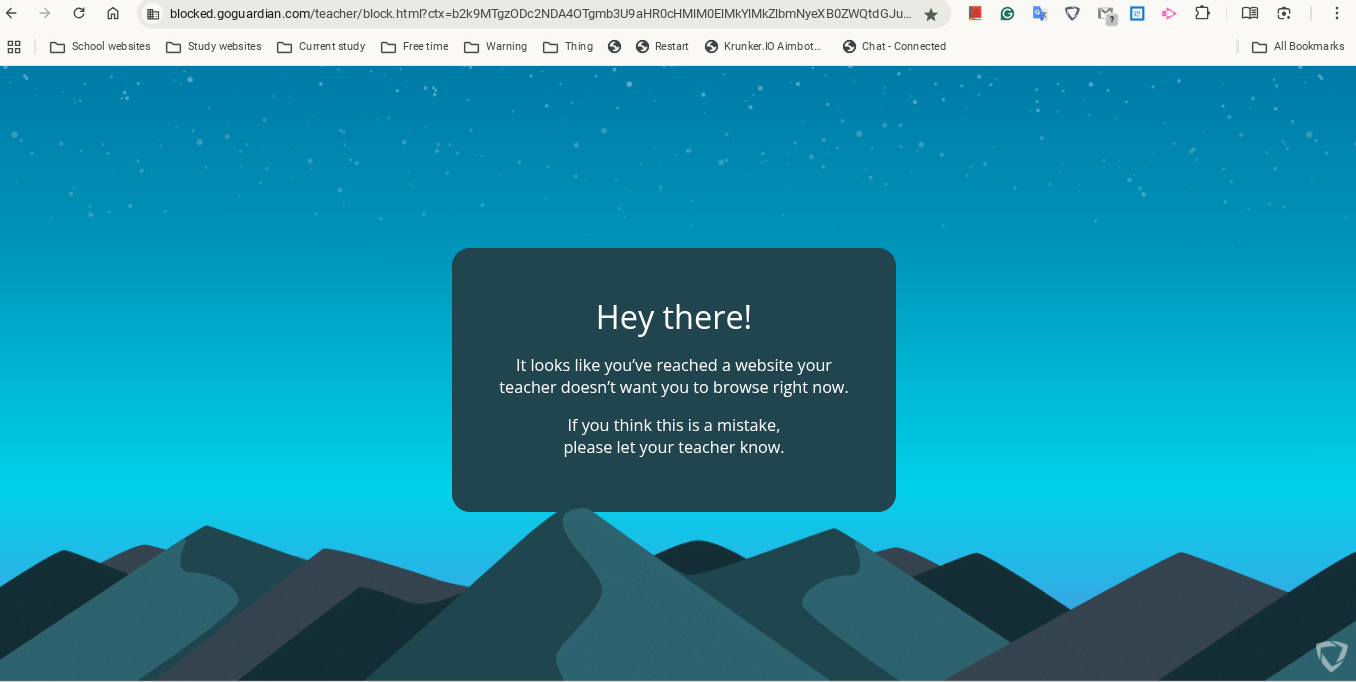
A website blocked by goguardian:
Cisco umbrella is a filtering software for work and schools made by Cisco. Our school doesn't use it that much, so we don't really do much reaserch into it. However, it seems pretty rock solid from what we can see.
Policy block is a folder on your computor that doesn't let you destroy it. The admin can chnage the folder to block different sites on your device. From what we can see, it is near impossible to bypass.
Securly is a filtering sotware. It is one of the most widley used by schools, but it is also really easy to bypass. Simply use one of the url additions mentioned prior.
Internet block is a way in which schools and work places can block a website by using it's wifi to tell chrome that the website has some maliciouse sofware in it, or that there are hackers trying to steal your information. Bypassing it is suoer easy. If you connect to a different wifi or a hotspot, the websites will stop being blocked.
Go guardian is an extension that let's teachers watch your screen and close or open any tabs. It can also limit you to only one tab, and overall is super controlled and powerful. However, most of the time it isn't active all the time. This means that as long as you make sure you can't connect to the session beforehand, goguardian can't connect to your computor. So, you can simply disconnect from WiFi, and the teacher can't see anything your doing. There used to be a link that, when opend, disconnected you from any active goguardian session by entering you into a session with no owner. However, it doesn't work anymore.
gGo guardian comes with the school chromebooks, at our school. It is also impossible to uninstall, at least through the chrome webstore, or playstore. This makes it hard to get rid of. It's kind of like a parasite, rooted deep into the rich, fatty layer of our skin, and it doesn't come off, no matter how hard you shake it. There is one way to get rid of it, though. It's the same with policy block, and pretty much every single other blocker or extension. Same drill: factory reset your chroemebook, delete all forlders and extensions. Or turn off your WiFi before you enter your goguardian session. Take your pick.
Sometimes schools and work domains block YouTube. This is easily bypassable; most schools don't block imbeds, though, either for eduectaional purposes or by complete accident. This means that by going into Google Slides, selecting "insert", and then "video", you can easily watch any YouYube video you please. Also, if you want, you can create a website and embed YouTube videos in it. Then if you go to the website through your school or work computor, you can watch the videos you imbedded. Example below.
A new blocker and filtering software has come out recently. It's called Linewize. At our school, it is replacing securly. From now on, Securley bypasssing is useless. Now we will be dedicating all of our reaserch to finding more about Linewise. It's been a few days, and we haven't found any bypass yet. Our best option right now is to exploit the build in bypassing system. Basically, if
For buissness inquiries, email someonebuiness@gmail.com